

OpenCart
OpenCart is an open source PHP-based online store management system.
Configure Clearpay Payment
Complete the steps below to enable Clearpay as a payment method on product, cart, and checkout pages.
If you have already enabled Clearpay and would like to implement Express Checkout, see the Express Checkout section below.
Clearpay on your Checkout Page
To download the Clearpay Opencart plugin, do the following:
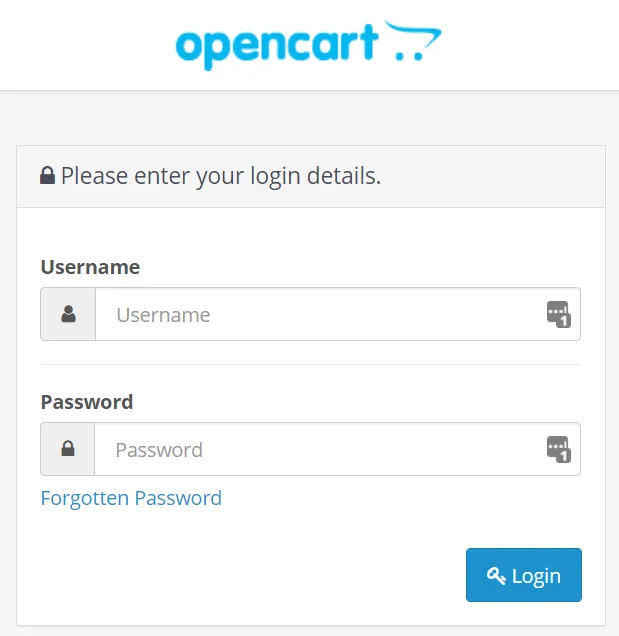
- Log into the Opencart Website Admin Portal.
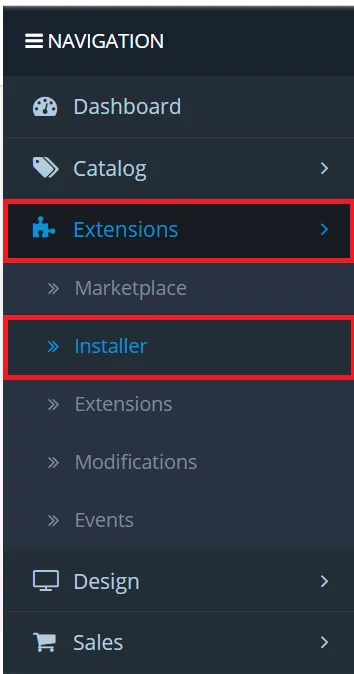
- Navigate to Extensions -> Installer and click Upload.
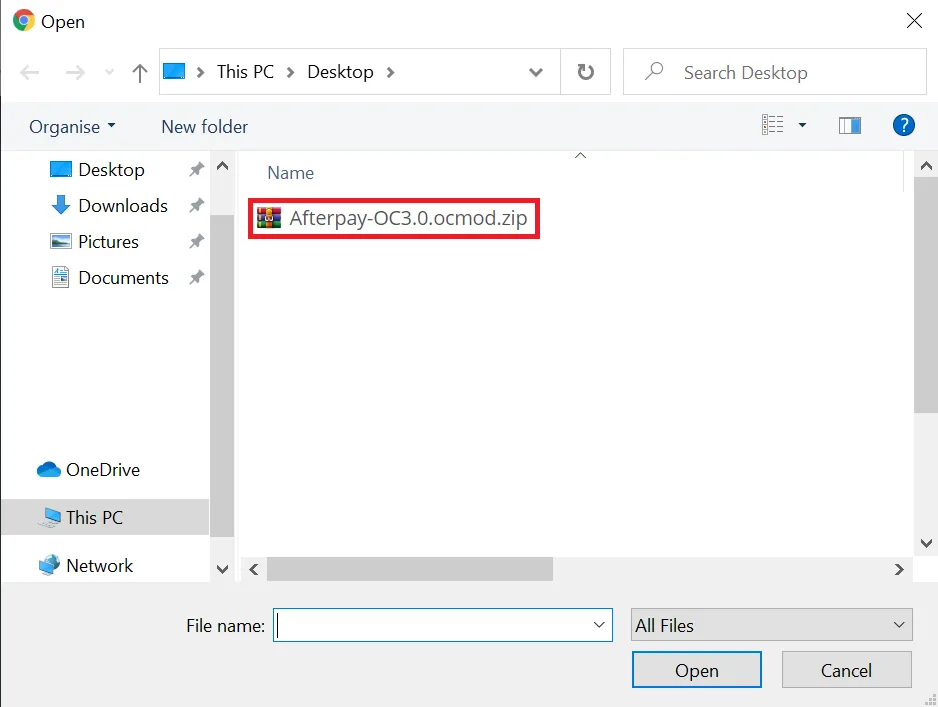
- Ensure that the Opencart Clearpay Plugin has been downloaded, if not download it HERE. Then locate the plugin in the pop-up and select/open it.
If successful the Clearpay plugin is now visible under Install History.
The next task is to install the plugin. Do the following:
- Navigate back to Extensions -> Extensions.
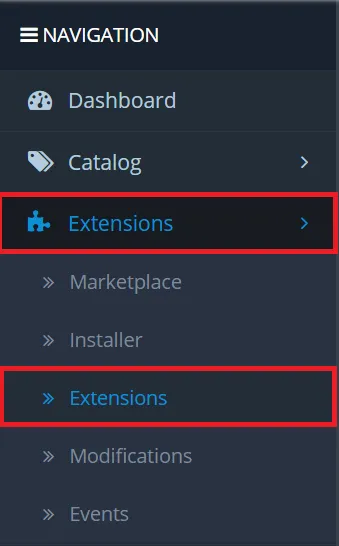
- Select Payments from the dropdown menu.
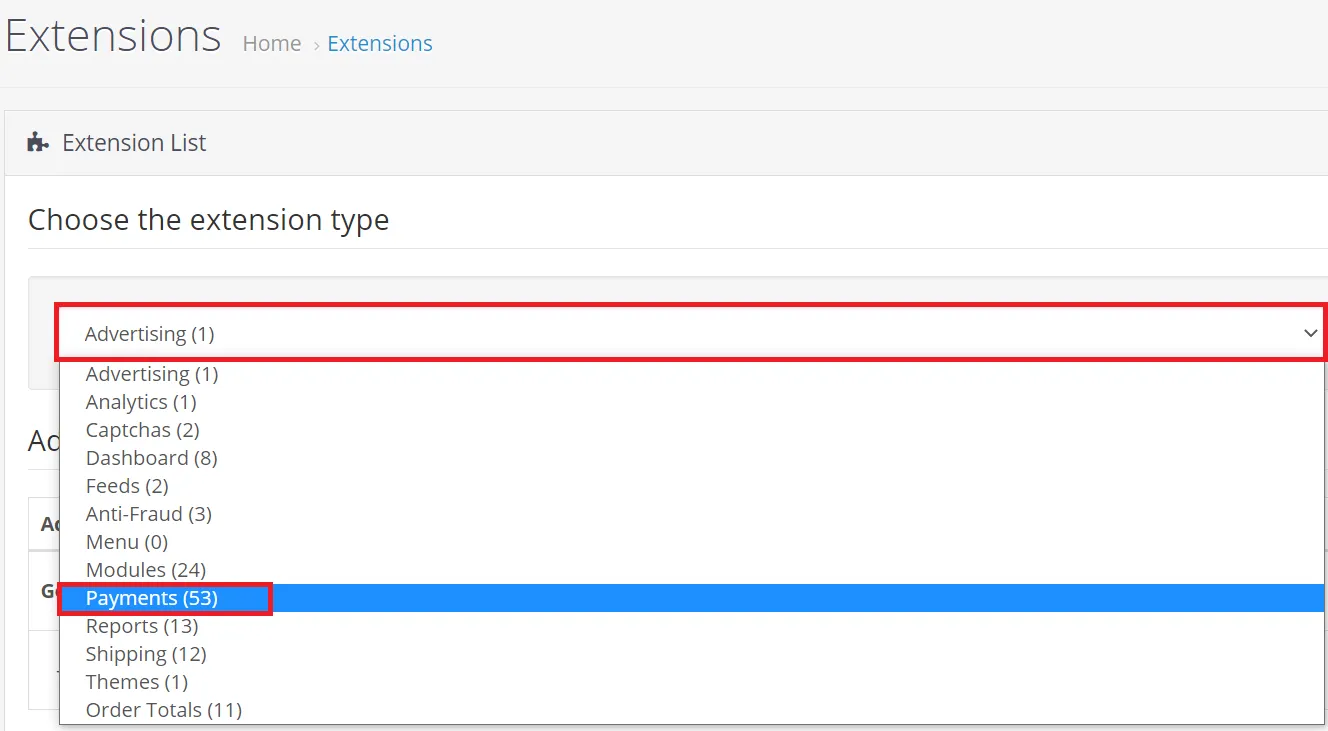
- Find the Clearpay plugin and click the install + button. If successful the install button now appears as an uninstall - button.

- To setup and enable Clearpay click the Edit button.

- Enter the Clearpay Setup Values listed below and click Save when you have finished.
- Test (Sandbox) Mode: Set to No

-
Merchant ID: Input the Merchant ID provided in your merchant on-boarding email
-
Secret Key: Input the Merchant Key provided in your merchant on-boarding email
-
Merchant Minimum Order Threshold: This field is automatically populated based on the Merchant ID used in the step above.
-
Merchant Maximum Order Threshold: This field is automatically populated based on the Merchant ID used in the step above.

- Geo Zone: Leave as All Zones

- Badge Theme: We recommend that you leave this option as Black on Mint (Default)

- Display Clearpay in Product Listings: Set to Enabled

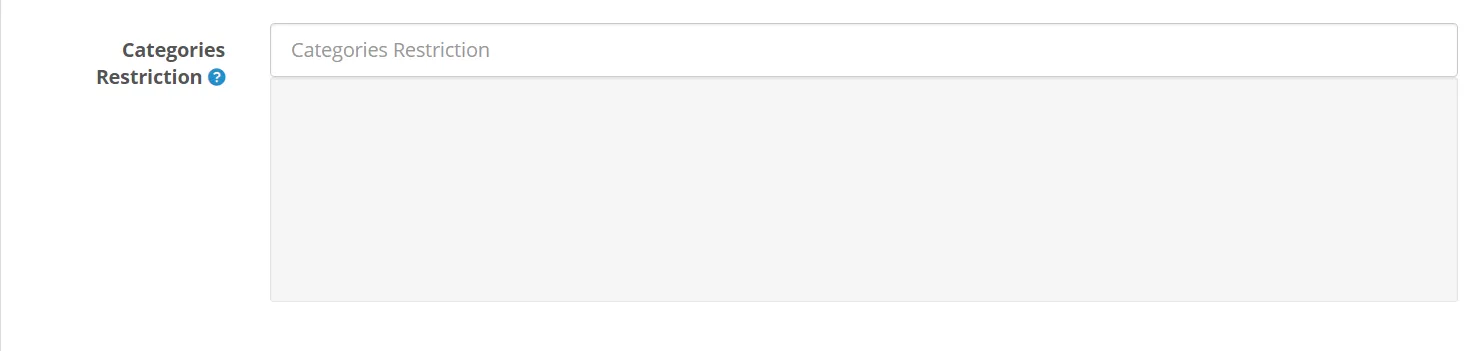
- Categories Restriction: If the Clearpay team have asked that certain items/categories must not be enabled with Clearpay, add them here.
- Status: Set to Enabled

- Sort Order: Leave blank or set to “1”

Click the Save button when all the options are set.
If the setup is correct then you will not receive any errors. If you do get an error message, copy and paste the Merchant ID and Secret Key again (located in the on-boarding email provided by Clearpay).

The next task is to set various regional and currency settings. Do the following:
- Navigate to System -> Settings.
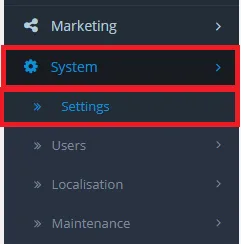
- Click the Local tab and enter the Clearpay Setup Values listed below and click Save when you have finished.
- Country: Set to the store country.

- Region / State: Set to the store region.

- Currency: Set to store currency.

Click the Save button when all the options are set.

- Finally, navigate to Extensions -> Modifications.
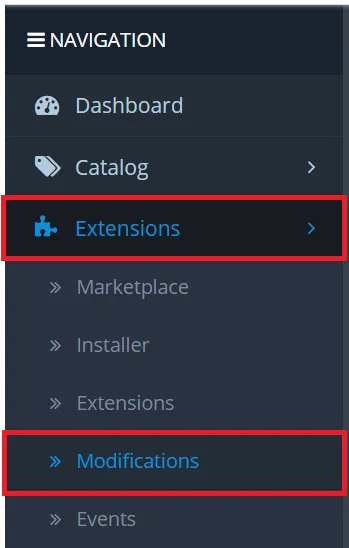
- Click the Refresh button to reload the cache.

If everything is successful, you will see this notification:

Clearpay should now be installed and available for use by customers.
Clearpay appears on the product pages and as a payment option on the checkout page.
Express Checkout
Complete the steps below to enable customers to complete purchases from your product and cart pages. If you are following on from the above instructions, skip straight to Step 5:
- Log into the Opencart Website Admin Portal.
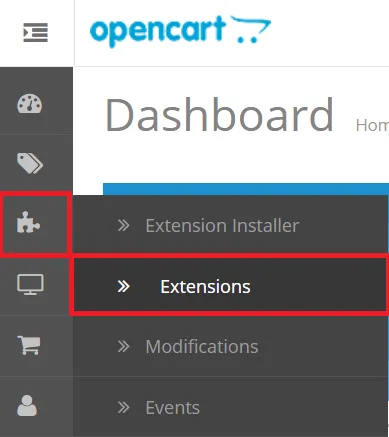
- Navigate to Jigsaw Icon -> Extensions.
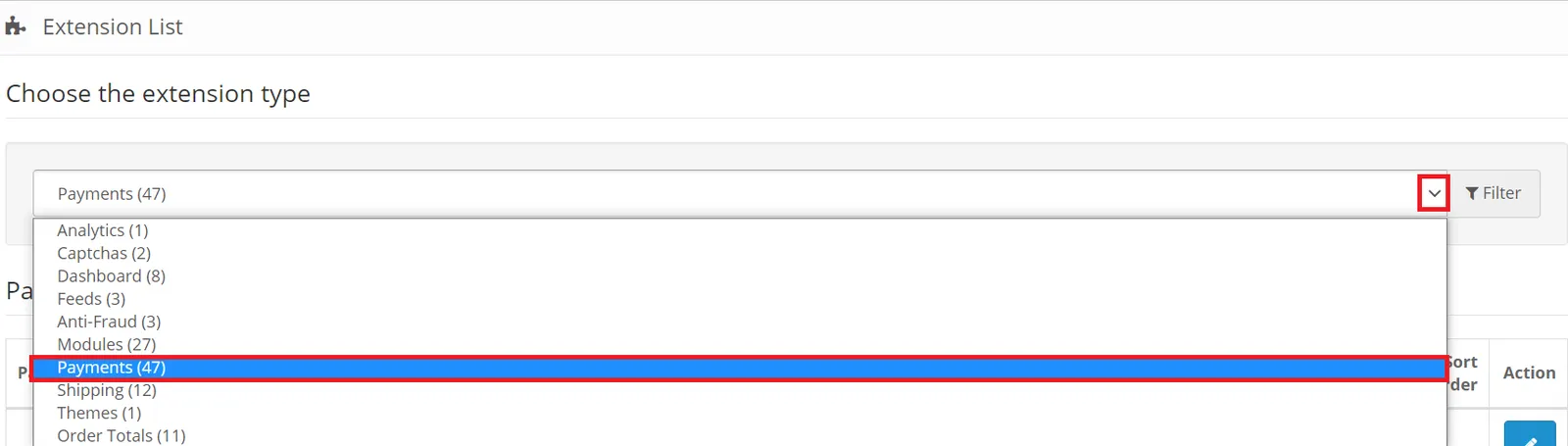
- Click the dropdown arrow and select Payments.
- Locate the Clearpay plugin and click the install + button, if successful the install button changes to appear as an uninstall - button. If you have already setup the Clearpay extension on your checkout page, skip this step.

- To setup and enable Clearpay click the Edit button.
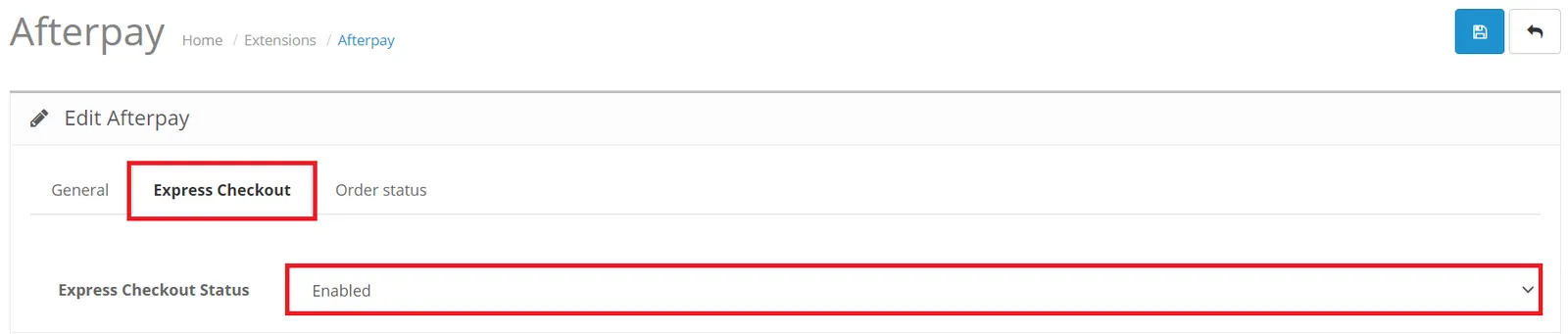
- Select the Express Checkout tab.
- Express Checkout Status: Set to Enabled
- Click the Save icon when all options are complete.
- Navigate to Extensions -> Modifications.
- Click the Refresh button to reload the cache.
- If successful this notification appears:
Clearpay is now installed and available for use by customers.
Clearpay appears on product, cart and checkout pages as a payment option.
Clearpay is available for OpenCart merchants with a store address in these countries:
🇬🇧 UK
As Afterpay in these countries:
🇦🇺 Australia
🇳🇿 New Zealand
🇨🇦 Canada