Pre-Integration Checks
Pre-Integration Checks
Optimized One Page Checkout
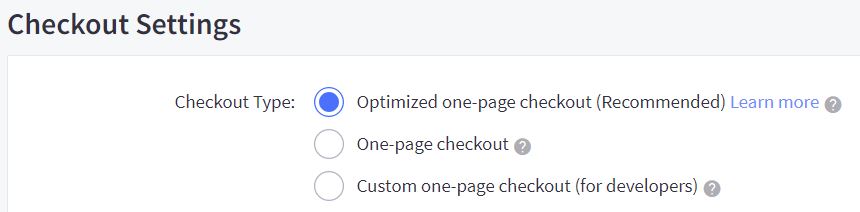
Please note that Checkout Type must be ‘Optimized one-page checkout.’
- Navigate to: BigCommerce Control Panel> Advanced Settings > Checkout
- Under ‘Checkout Settings’, the ‘Checkout Type’ must be:
- Optimized one-page checkout
Store Country
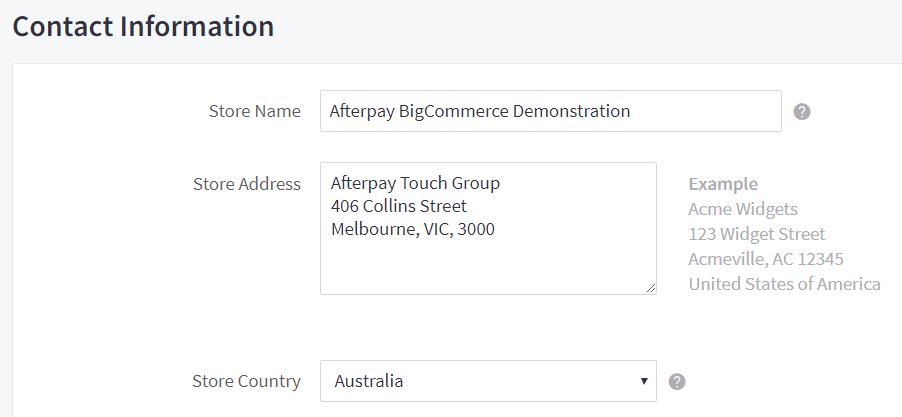
Please note that Store Country must correspond to the Afterpay account region.
- Navigate to: BigCommerce Control Panel > Store Setup > Store Profile
- Under ‘Contact Information’, the ‘Store Country’ must be one of:
- Australia
- New Zealand
- United States
Store Default Currency
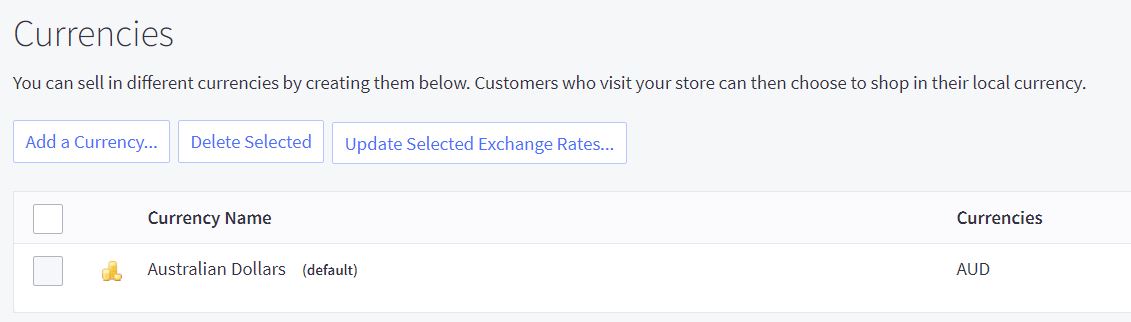
Please note that Store Default Currency must correspond to the Afterpay account region.
- Navigate to: BigCommerce Control Panel > Store Setup > Currencies
- Under ‘Currencies’, the ‘Default Currency’ must be one of:
- Australian Dollars (AUD)
- New Zealand Dollars (NZD)
- US Dollars (USD)